Visuals

Visuals

Not everything belongs in Photos.

Look at your pics and vids. I mean, just lOOk at them!

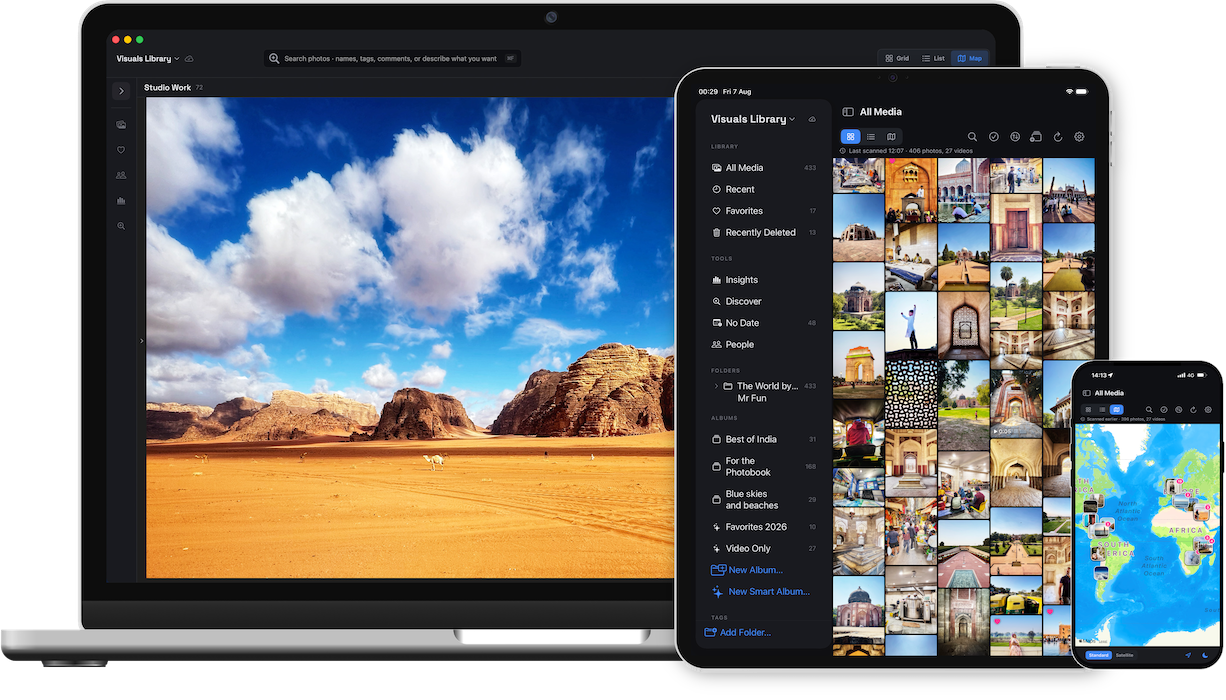
Visuals is a media browser for the rest of your library — the shoots, the downloads, the projects, the archives. Files stay where they are. You just get to see them.

Download free
Get Visuals Pro

Also available on the Mac App Store.

You shoot more than you post

You work with media that isn't yours

You download a lot of stuff

You shoot video as much as photos

You've been burned by lock-in before

The solution

The gap between Finder and Photos. Filled.

The media browser macOS never shipped.

Visuals lives in the gap between Finder and Photos. Finder knows where your files are. Photos knows how to show them. Neither does both well.

Visuals does both — for any folder, on any drive, with no import required.

Browse

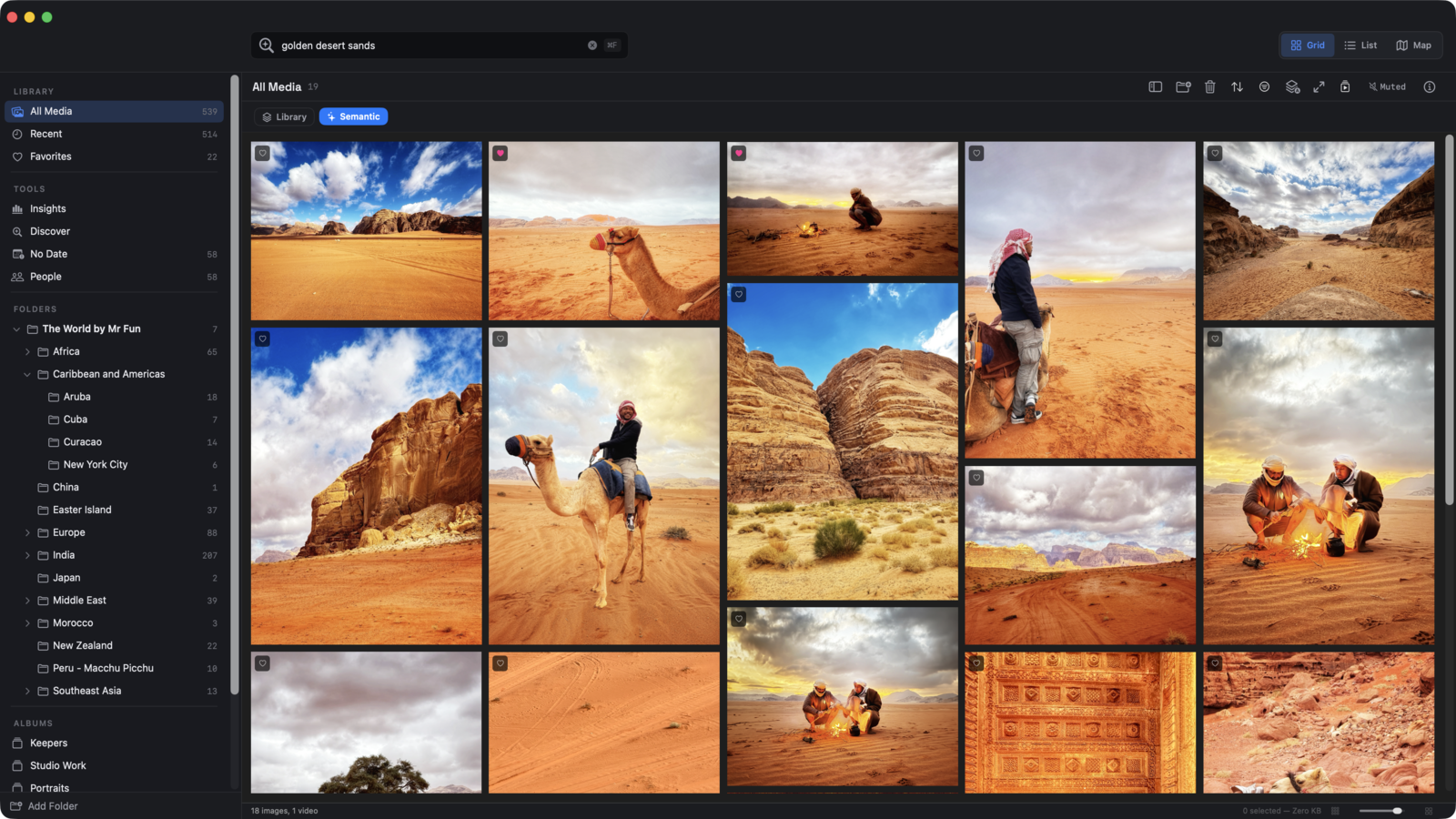
Built for looking.

Browse beautifully

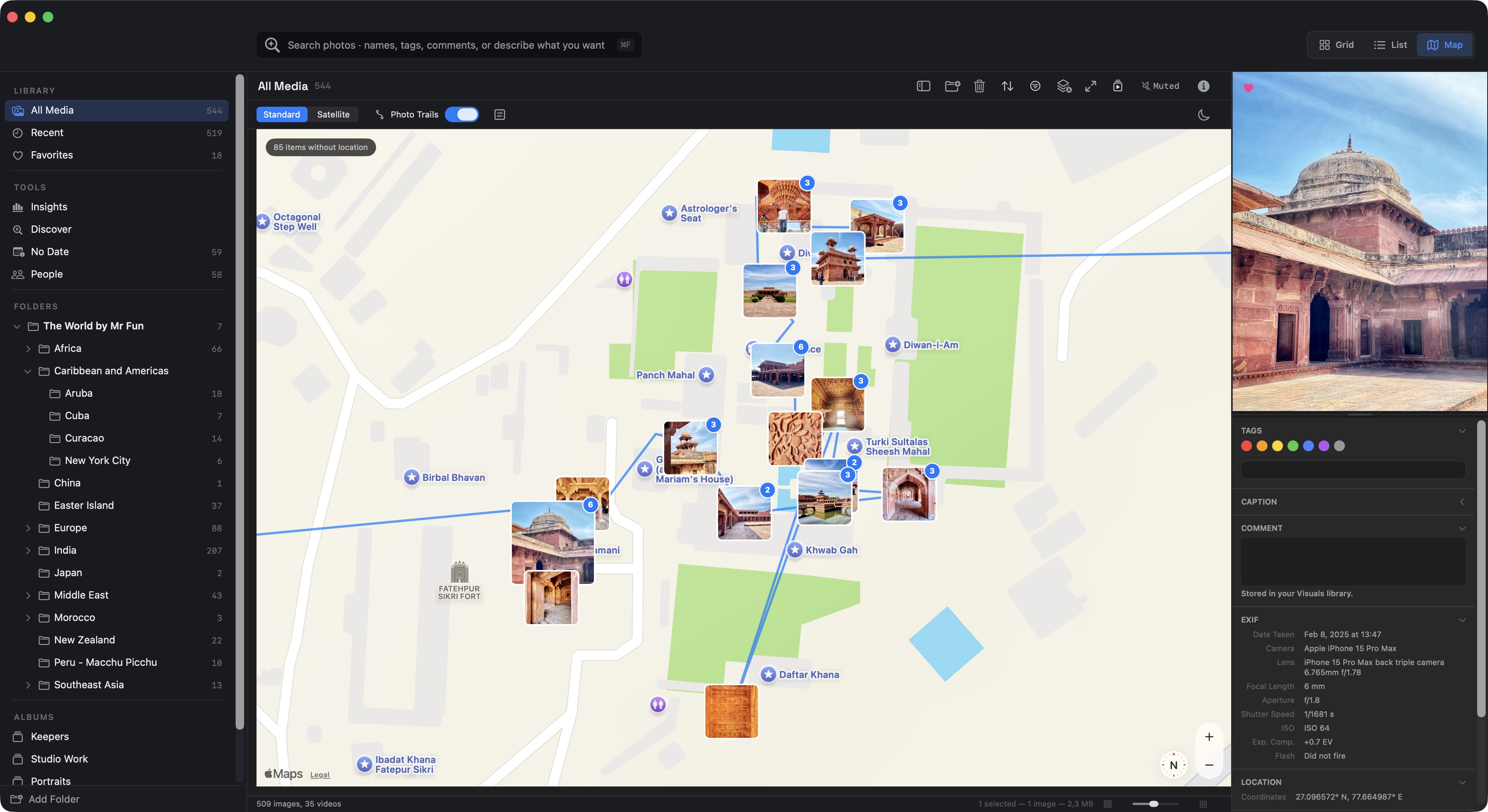
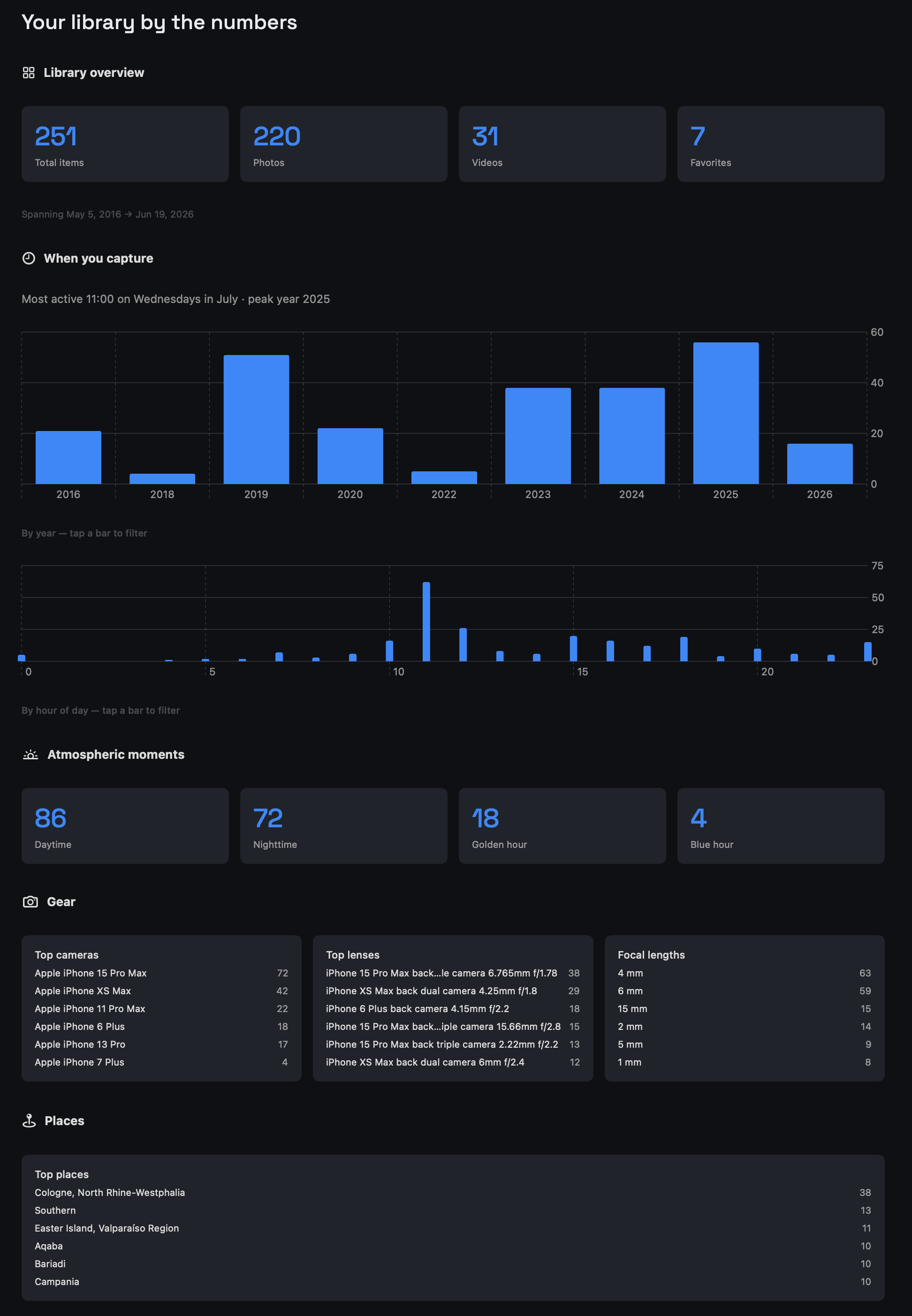
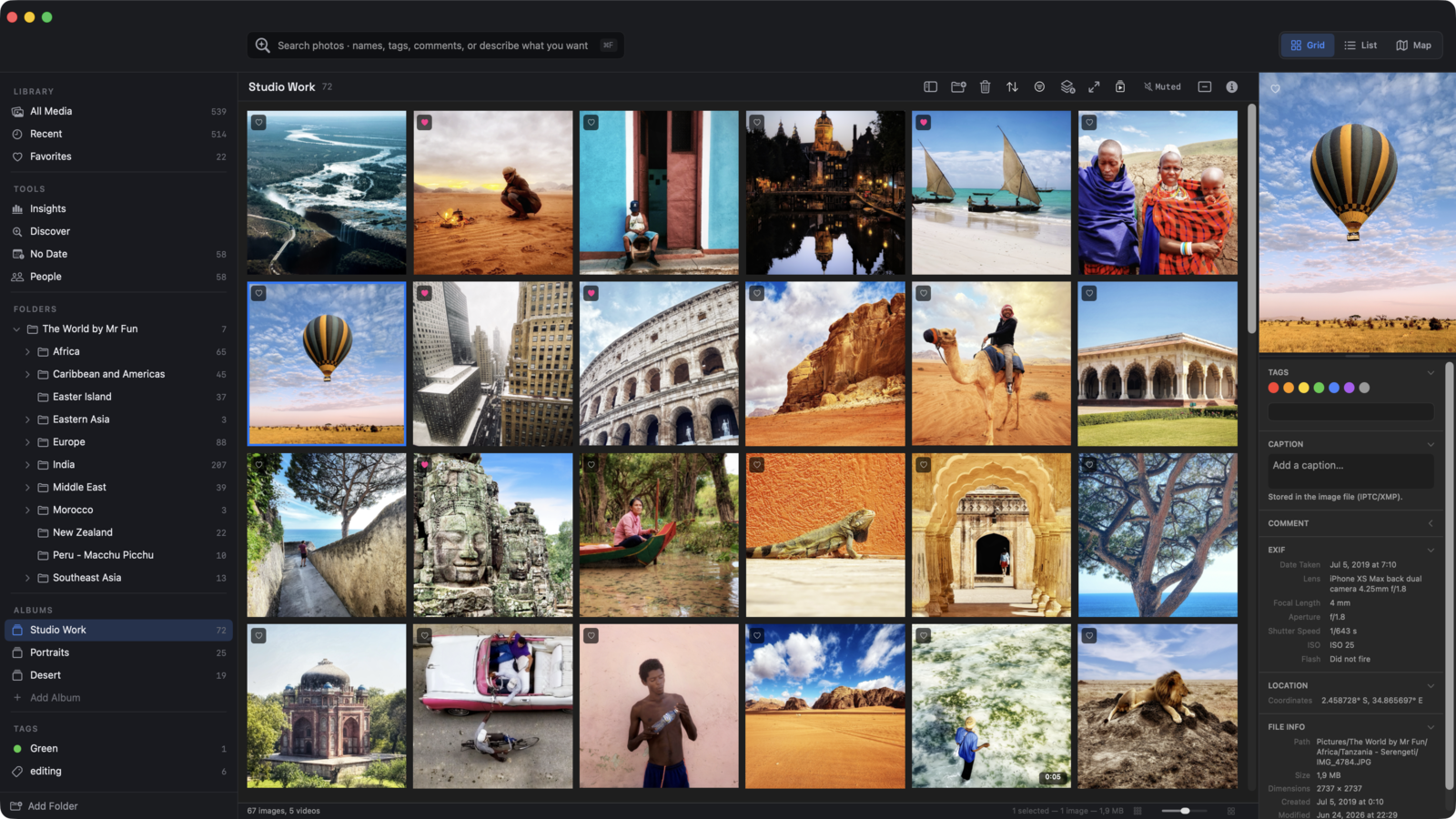
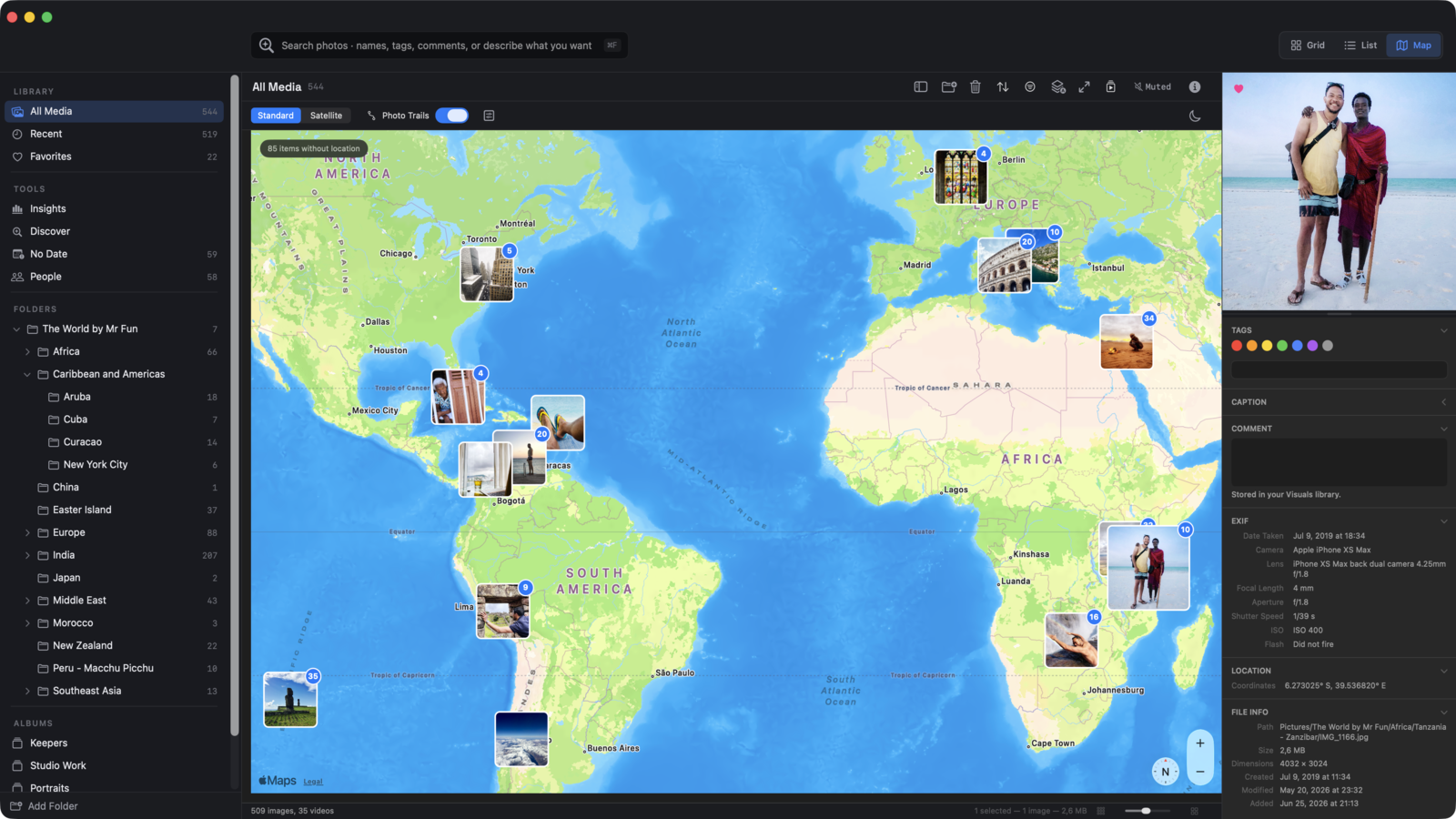
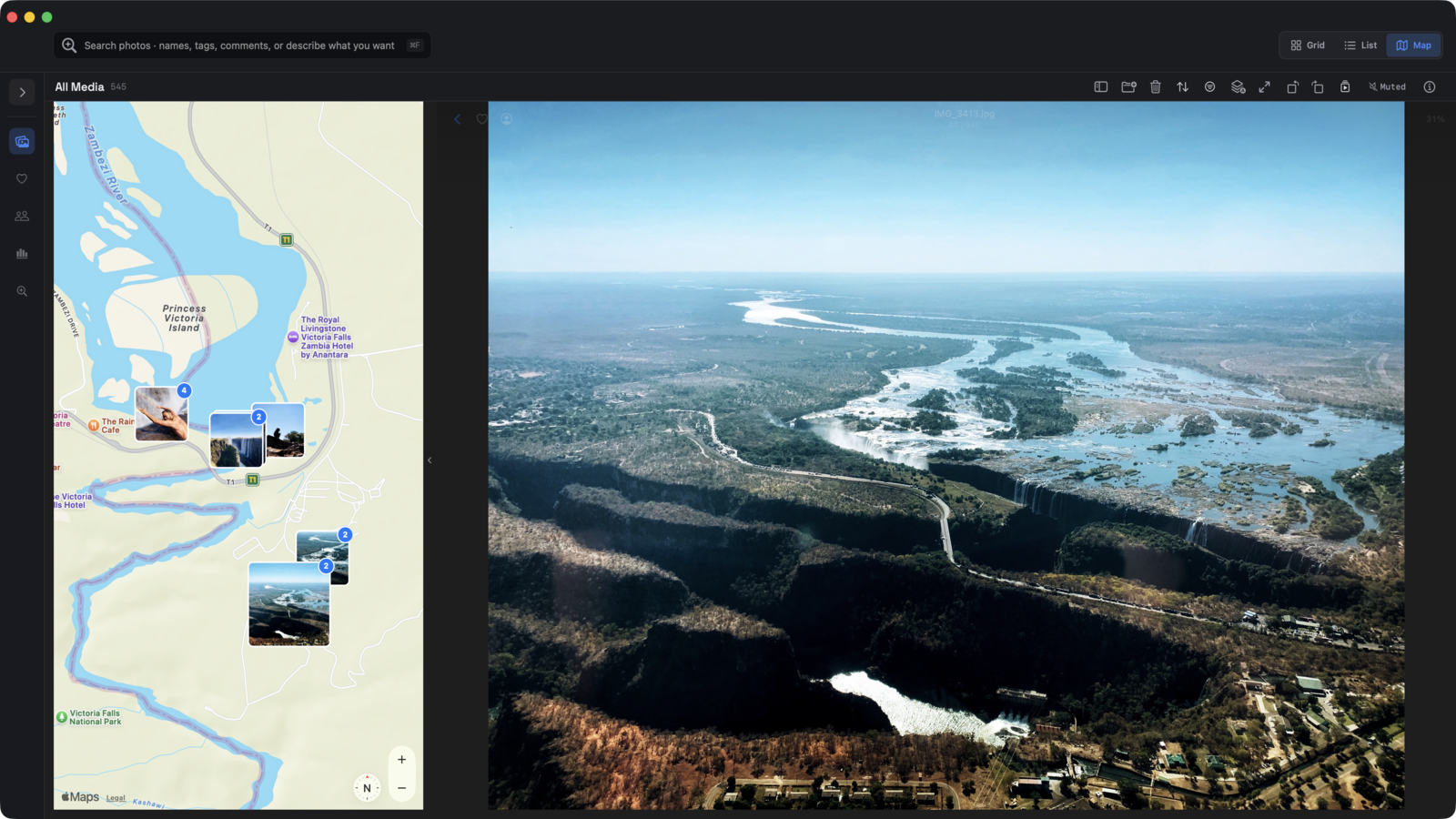
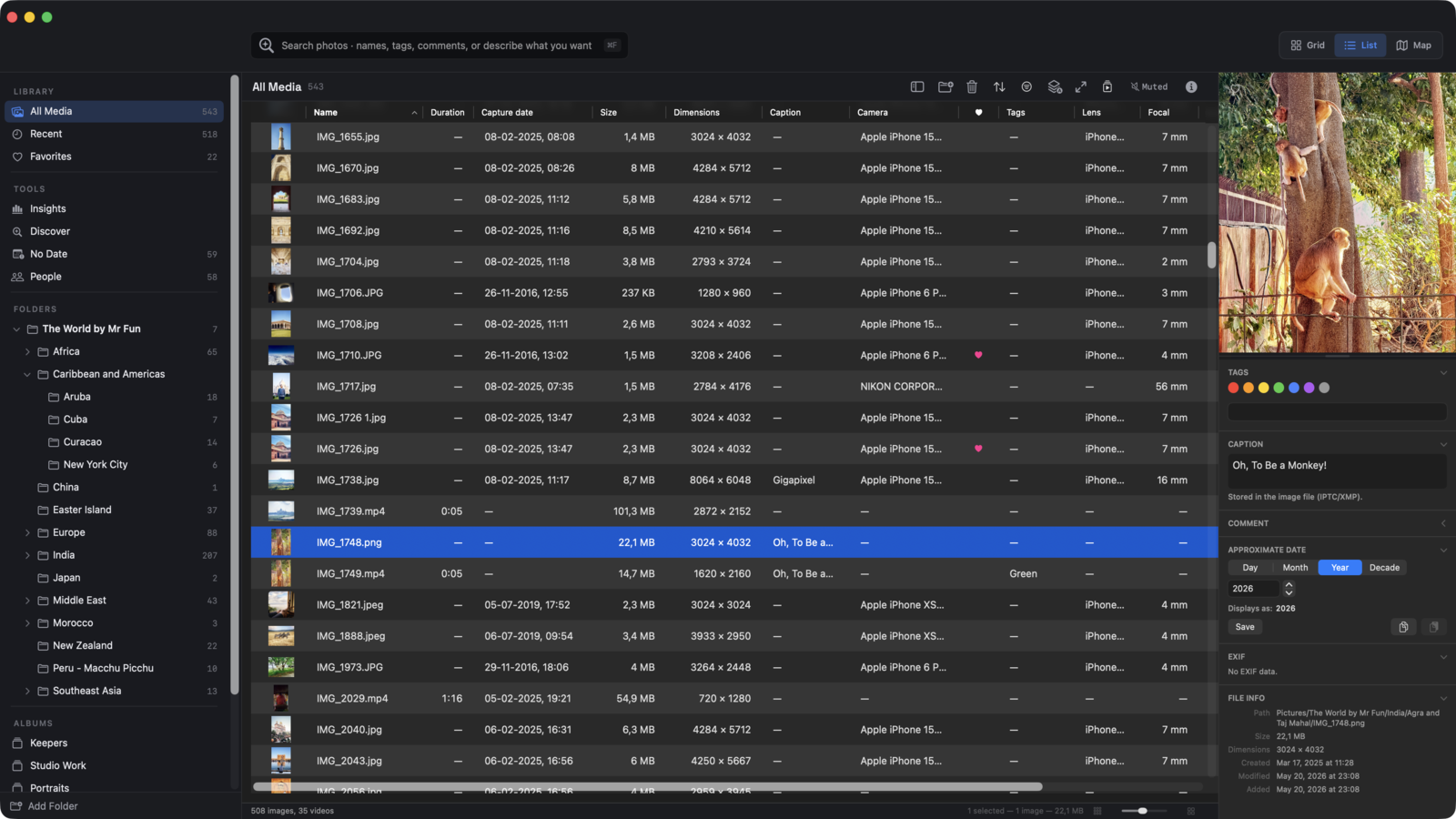
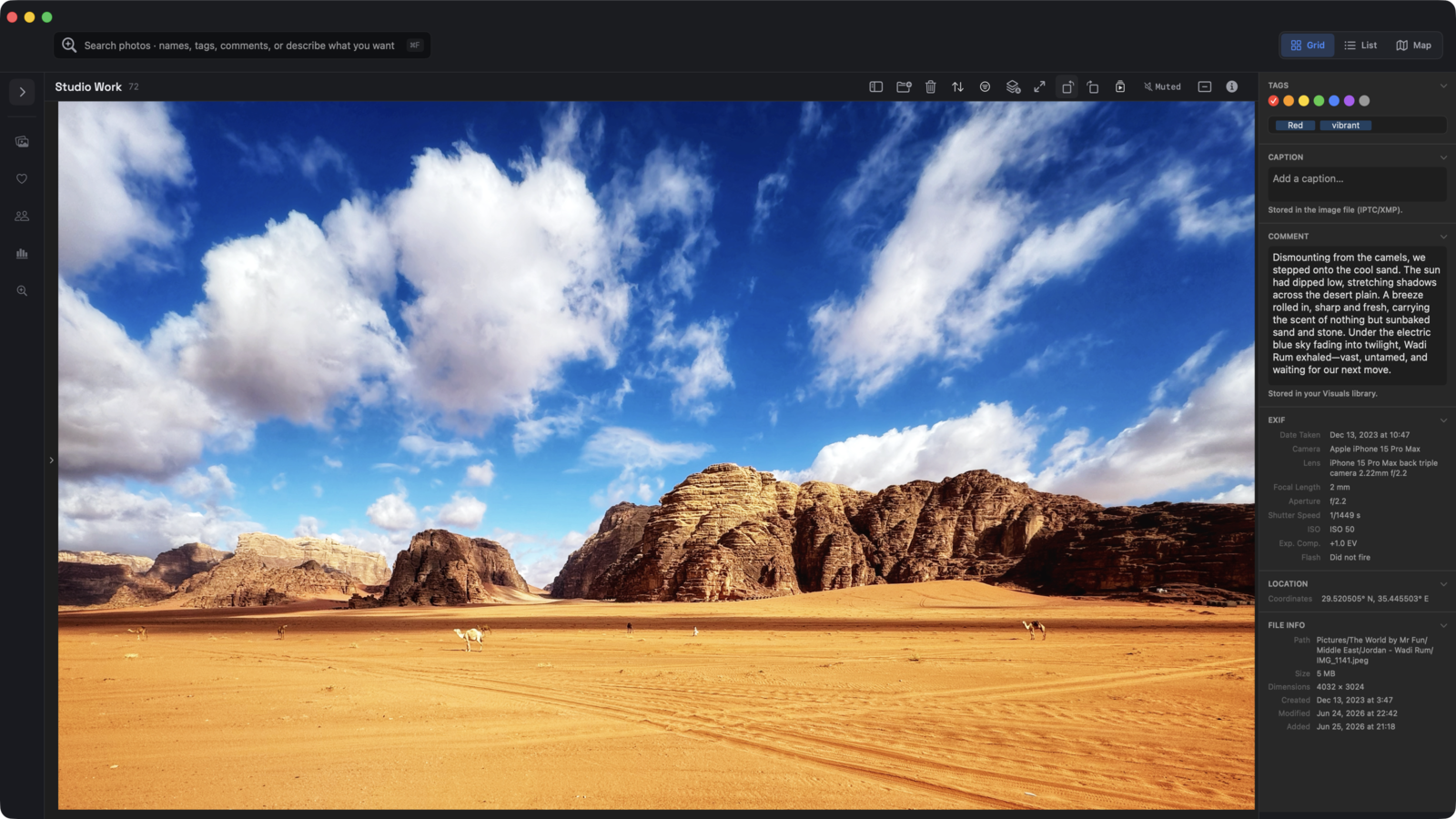
Masonry grid that adapts to your media. Full-screen previews. Smooth video scrubbing. Color tags, ratings, and comments when you want them — invisible when you don't. Inspector panel on demand for EXIF, dimensions, and file info.

Your library

Files stay where you put them.

Your files stay yours

Visuals reads files directly. It doesn't import, copy, or sync. Move a folder, rename a file, edit it in Lightroom, delete it in Finder — Visuals reflects the change immediately. No proprietary bundle. No lock-in. Your library is just your file system.

AI similarity

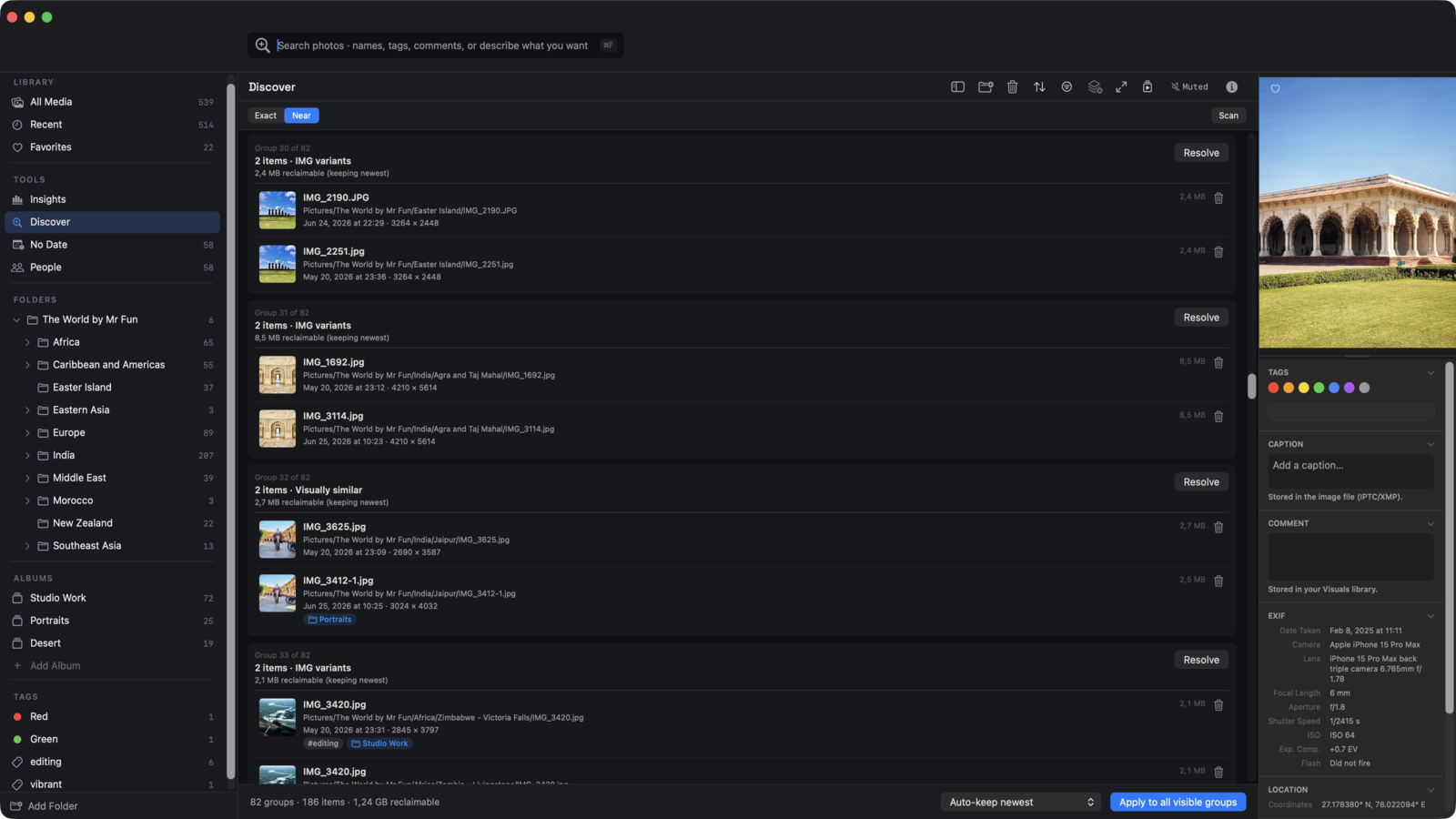
Find similar runs on your Mac. Privately.

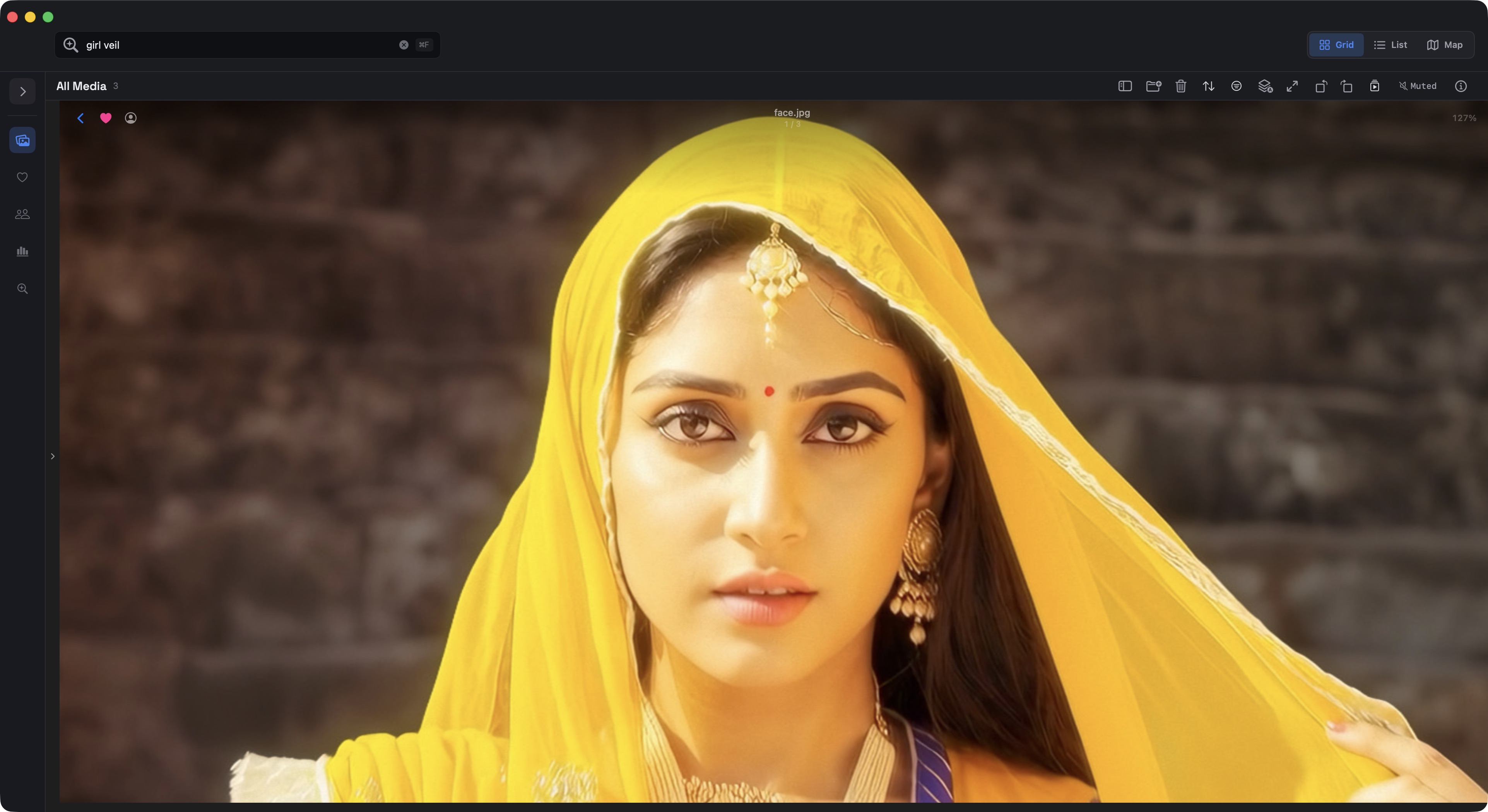
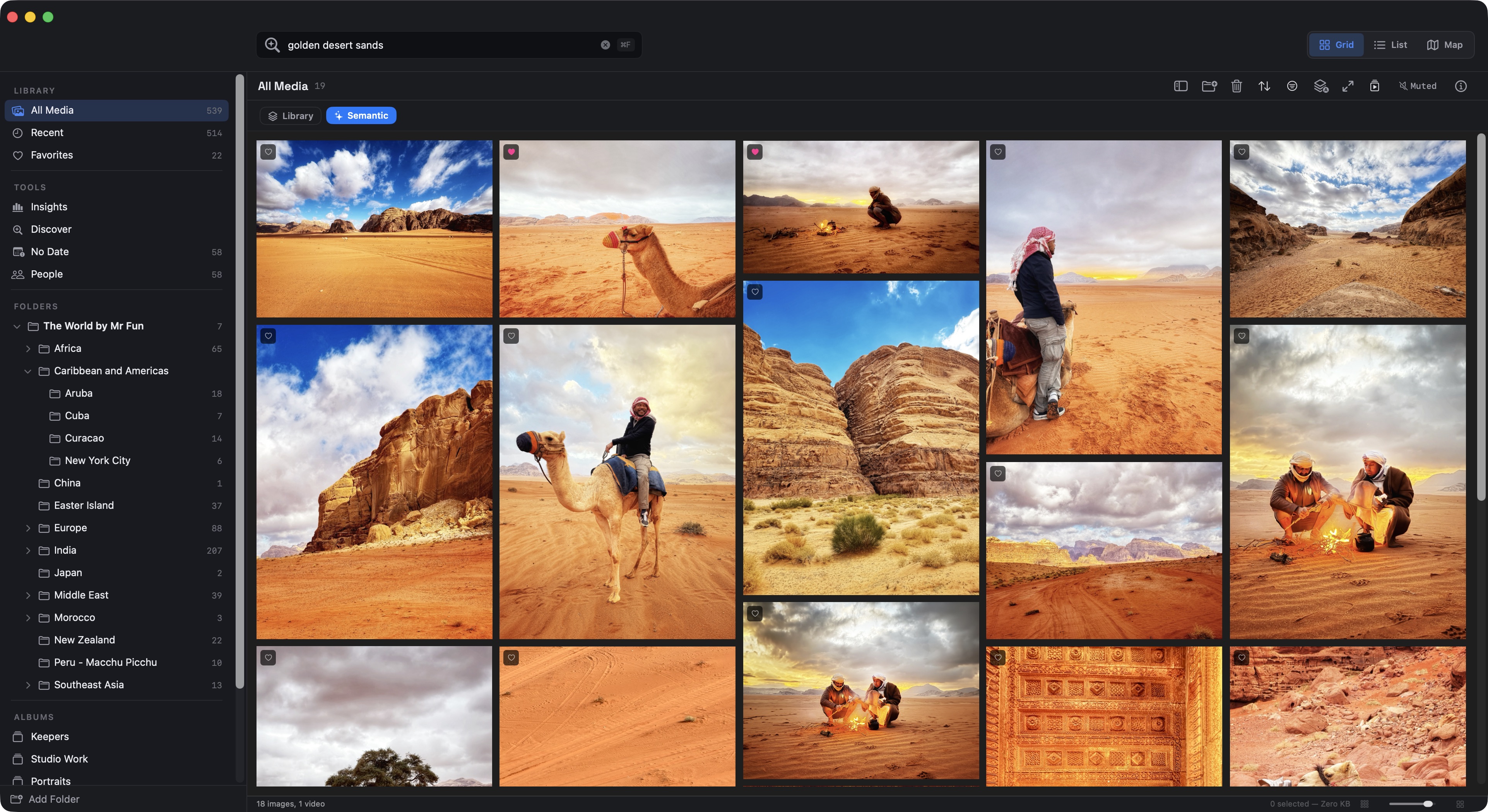
Find what you're looking for

Three modes for cleaning up and discovering:

All AI runs locally. Nothing you own ever leaves your machine.

Multiple libraries, your way

Work and personal. Client A and Client B. This year and last year. Each library is a folder you choose. Switch between them in a click.

Fast where it counts

Local files load instantly. Folders with thousands of items open in seconds. Thumbnails generate in the background and persist — once seen, always fast. iCloud Drive files load on demand; Visuals never silently downloads your entire cloud library.

Privacy

Visuals does not collect telemetry, analytics, or any data about how you use it. There are no Visuals servers. The only network call the app ever makes is downloading the MobileCLIP model from Apple's open-source repository the first time you enable AI features — after that, it runs entirely offline.

Your media never leaves your Mac.

Privacy Policy →

FREE

$0

forever

✓ Browse your media

✓ Color tags, ratings, comments

✓ Find exact duplicates

✓ Single library

× AI similarity features

× Multiple libraries

Download free

PRO

$29.99

One-time purchase — no subscription, no renewal

✓ Everything in Free

✓  Multiple libraries

✓  Unlimited library size

✓  Find similar to this with on-device AI

✓  Future updates to current features

✓  License key — works offline, no account needed

Get Visuals Pro

One-time purchase. No subscription. No renewal.

Visuals Free is genuinely useful — browse, organize, find exact duplicates. Good for a single library or getting started.

Pro is for people with more to manage: multiple libraries, large archives, and the AI similarity tools that make a real difference when you're working with thousands of files.

If you stop using Pro, your files and your work stay exactly where they are. Visuals returns to its free feature set, and you can pick up Pro again whenever you need it.

See full pricing →

Requires macOS 26 Tahoe. Apple Silicon recommended for best performance, including AI similarity features. Intel Macs work for browsing; AI features run slower and may not be supported on the oldest models.