k at them!
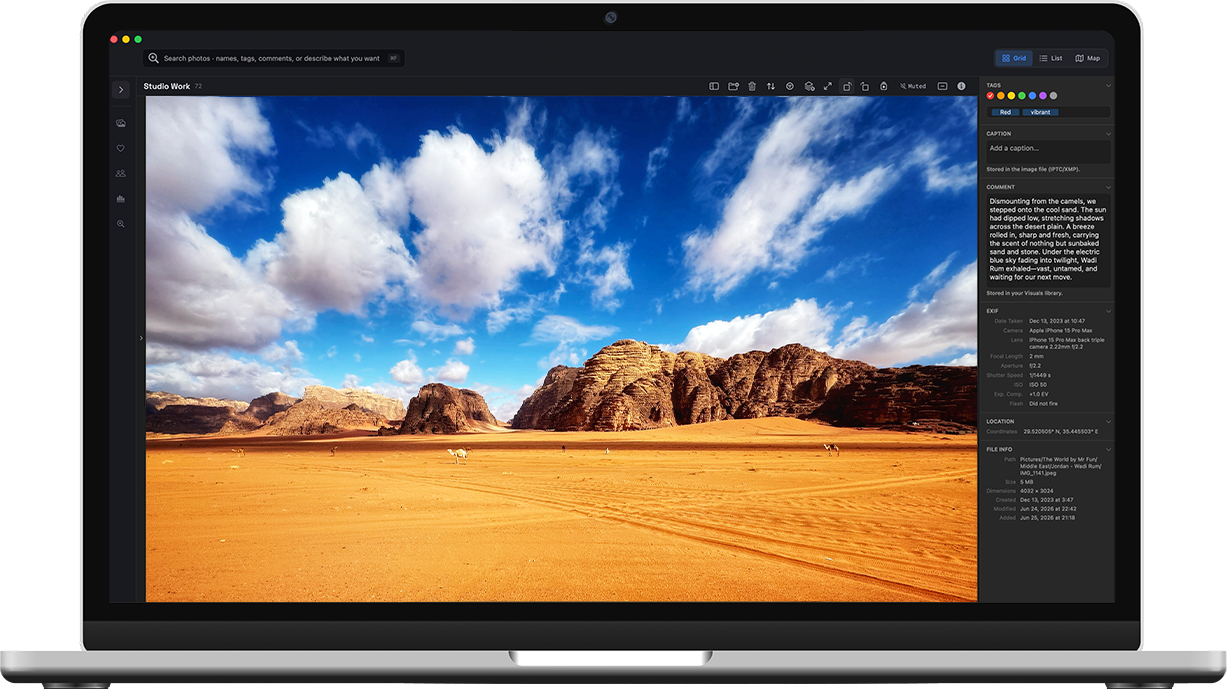
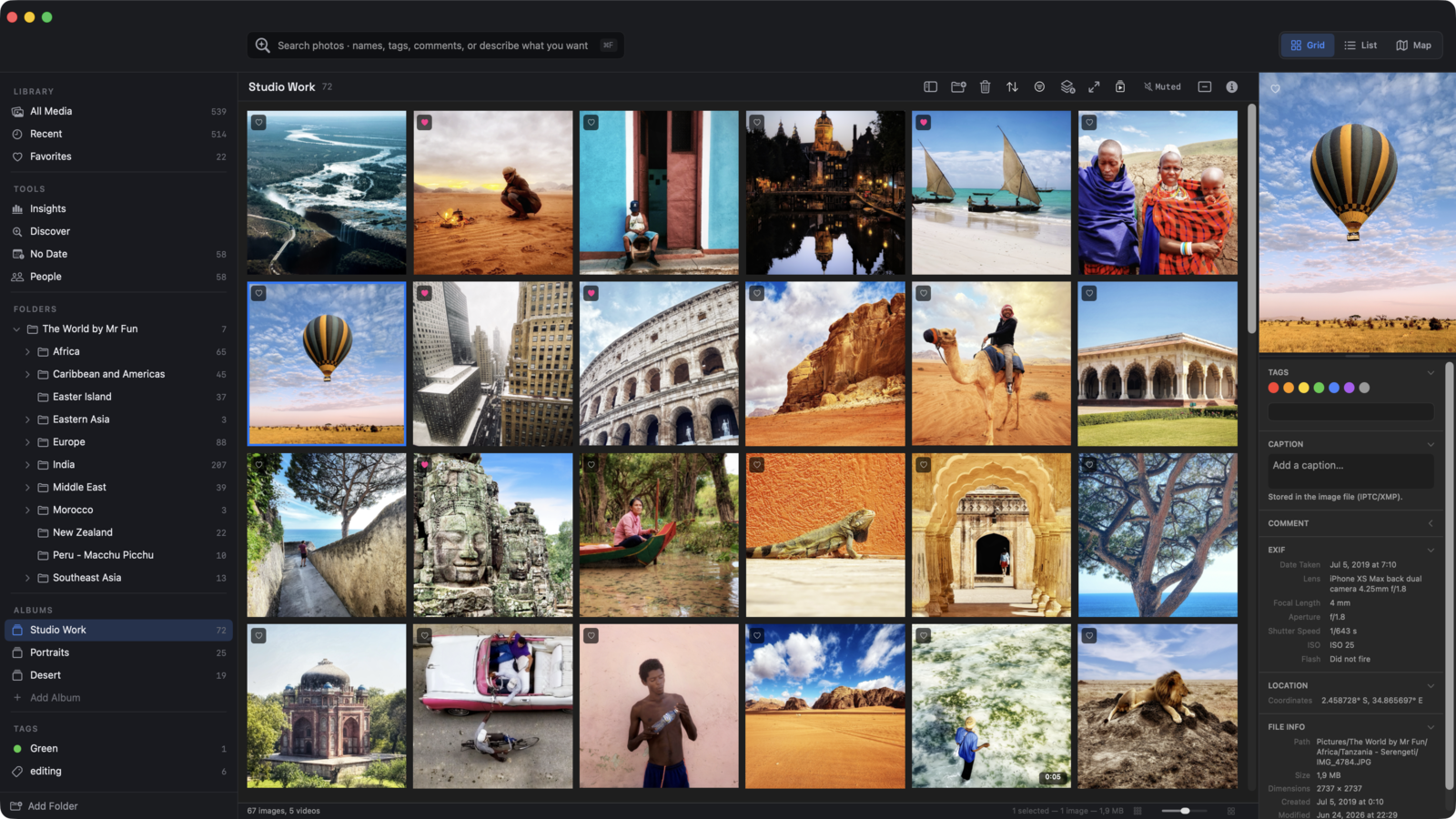
Visuals is a media browser for the rest of your library — the shoots, the downloads, the projects, the archives. Files stay where they are. You just get to see them, search them, and understand them.
Also available on the Mac App Store
ON-DEVICE FACE RECOGNITION


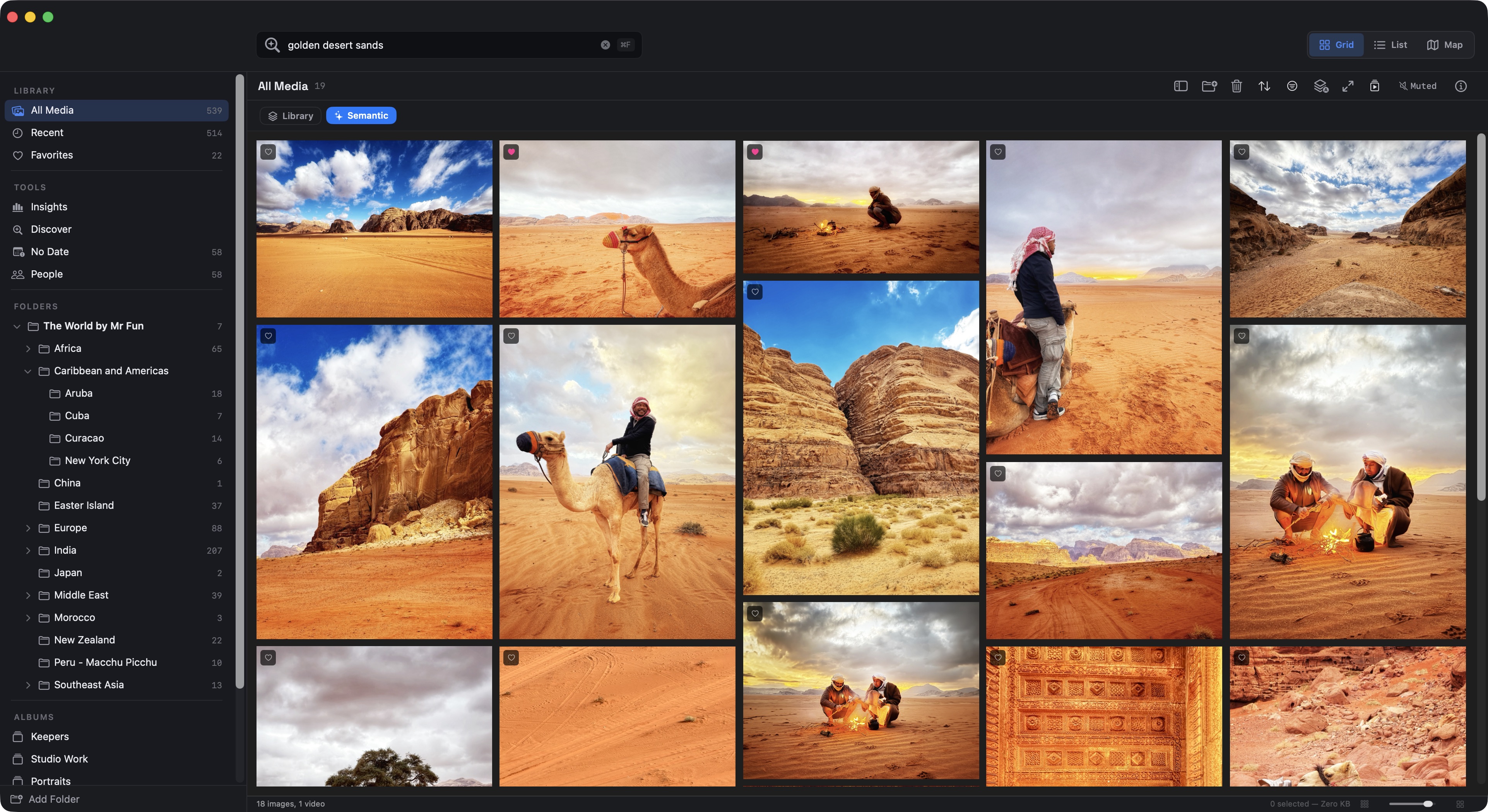
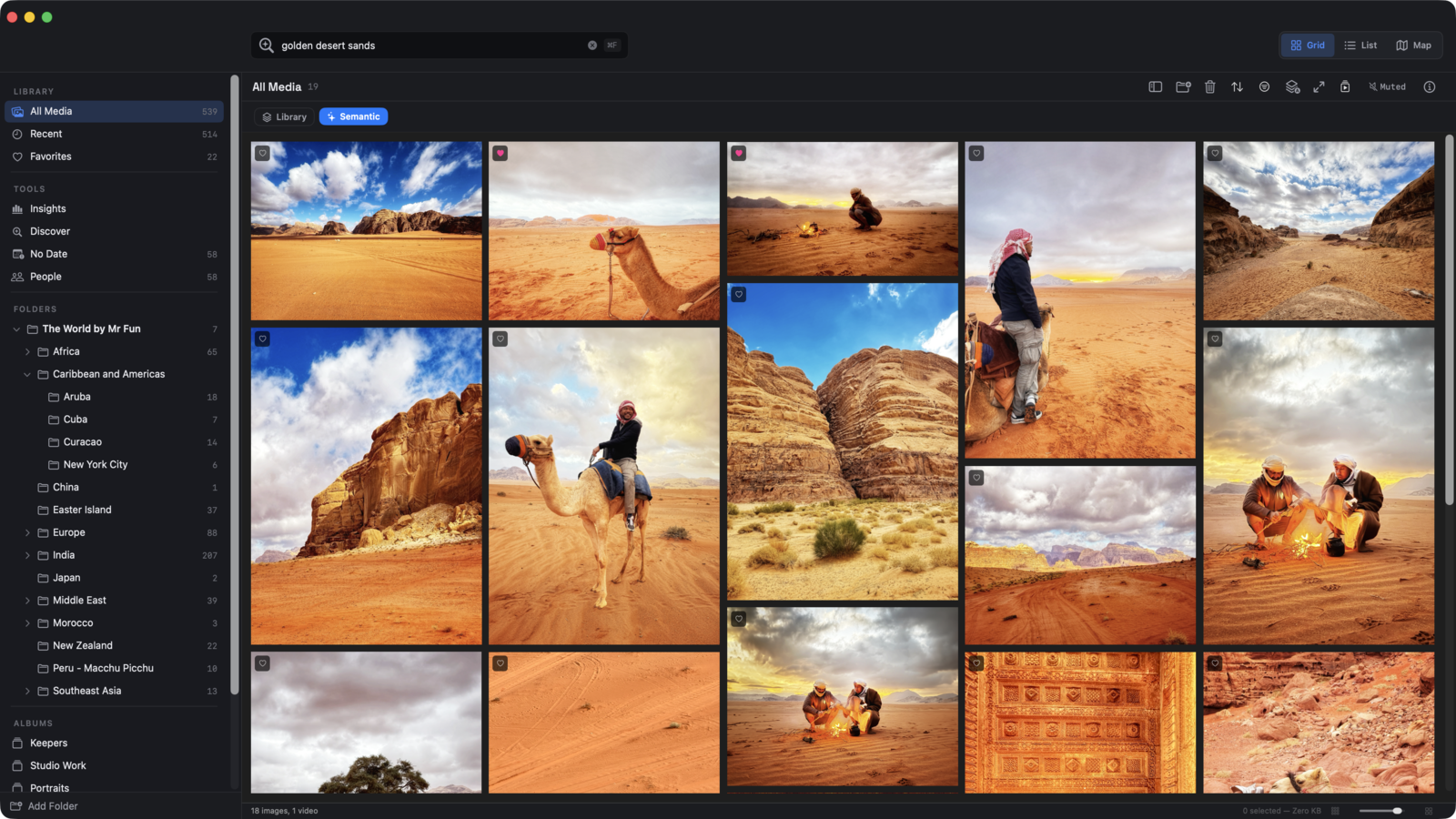
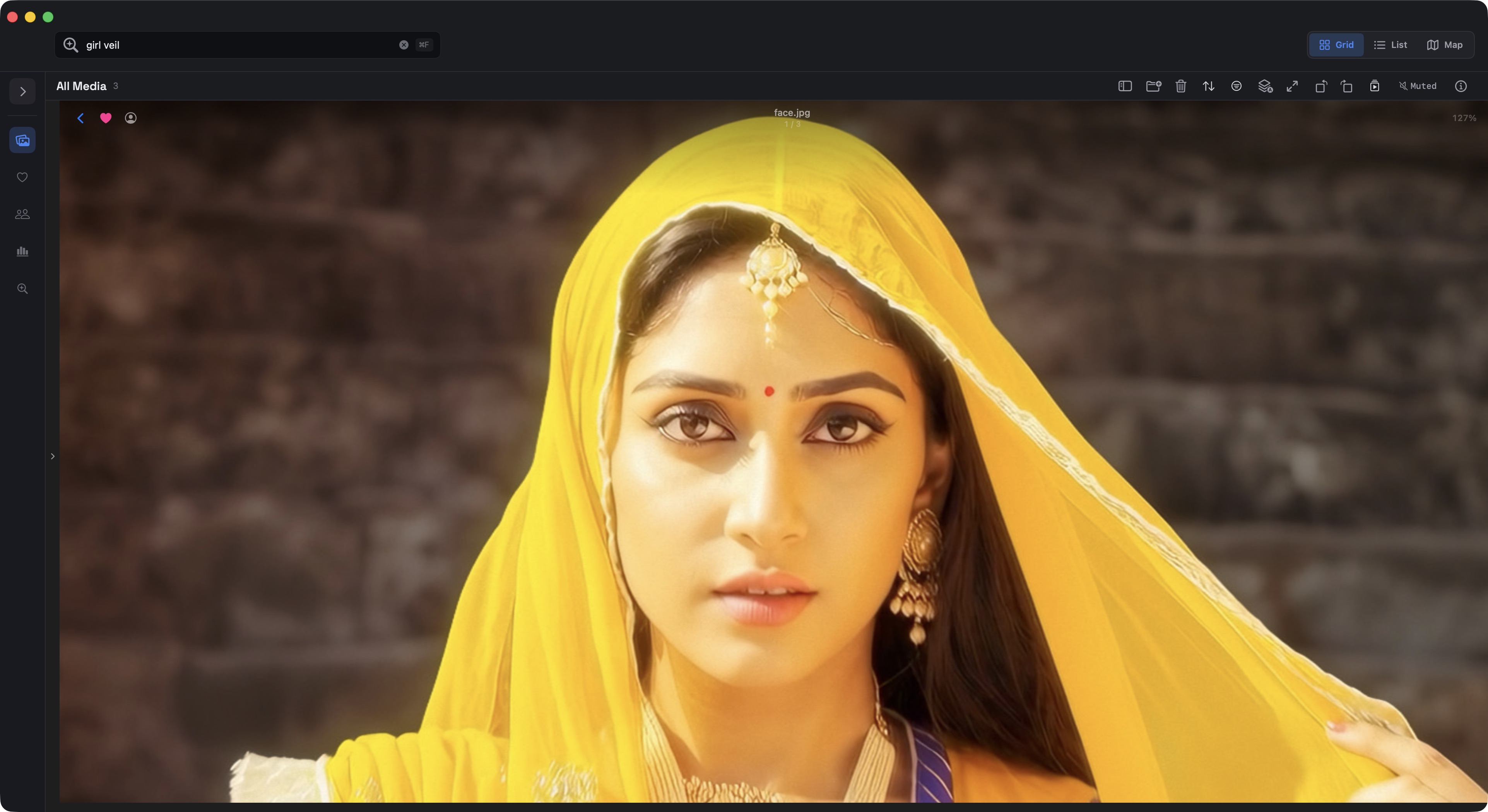
TEXT-TO-IMAGE SEARCH

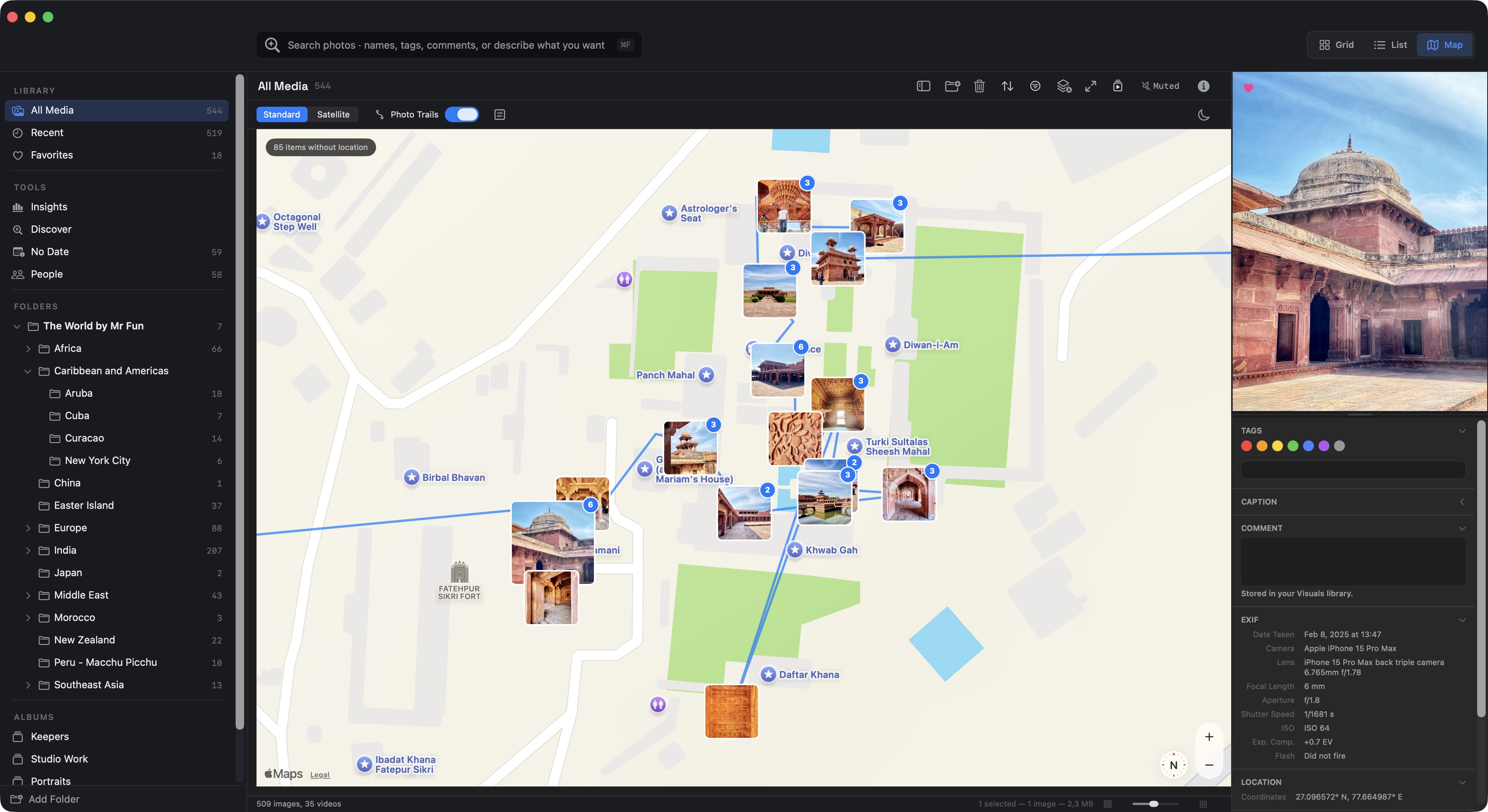
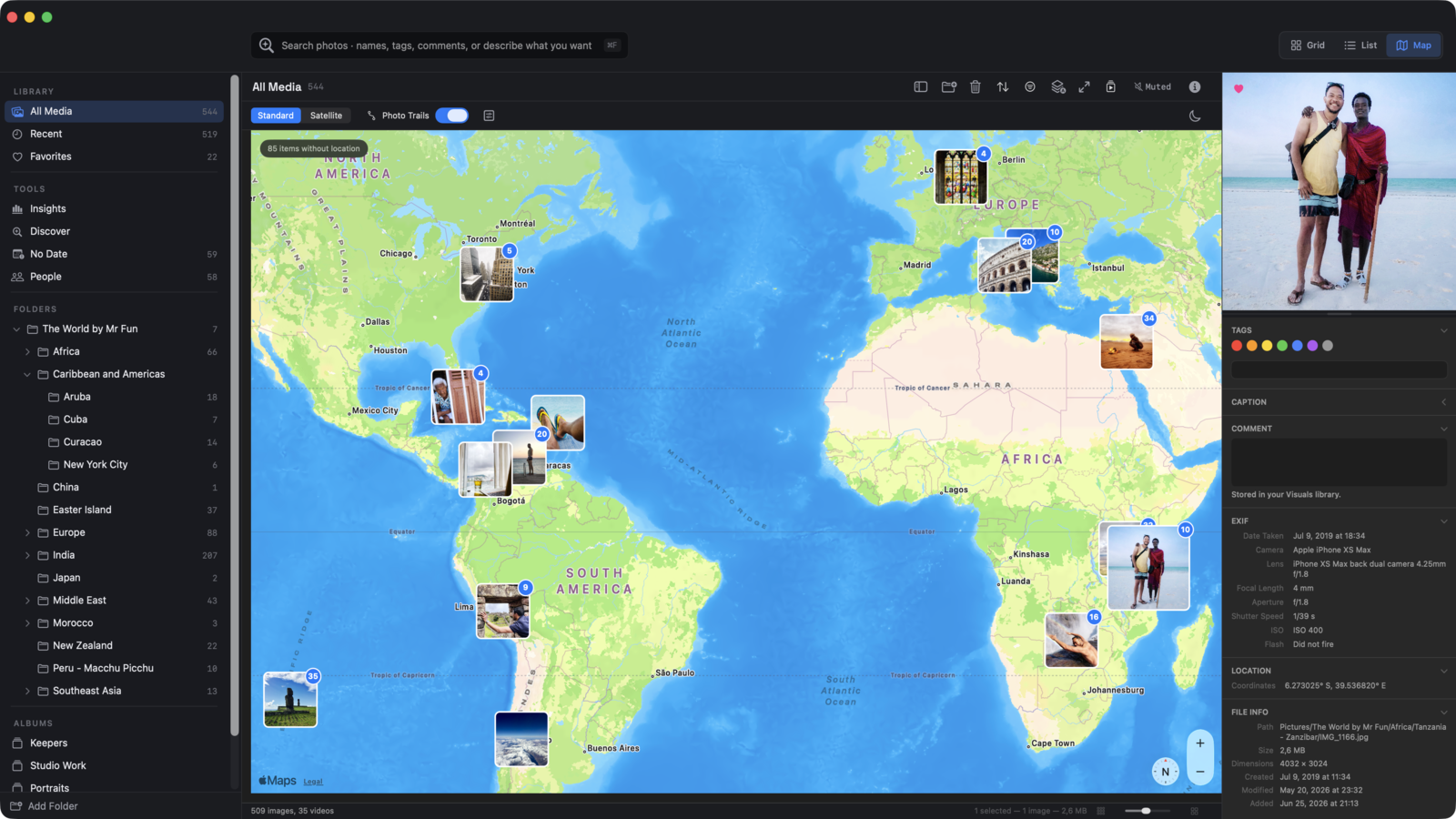
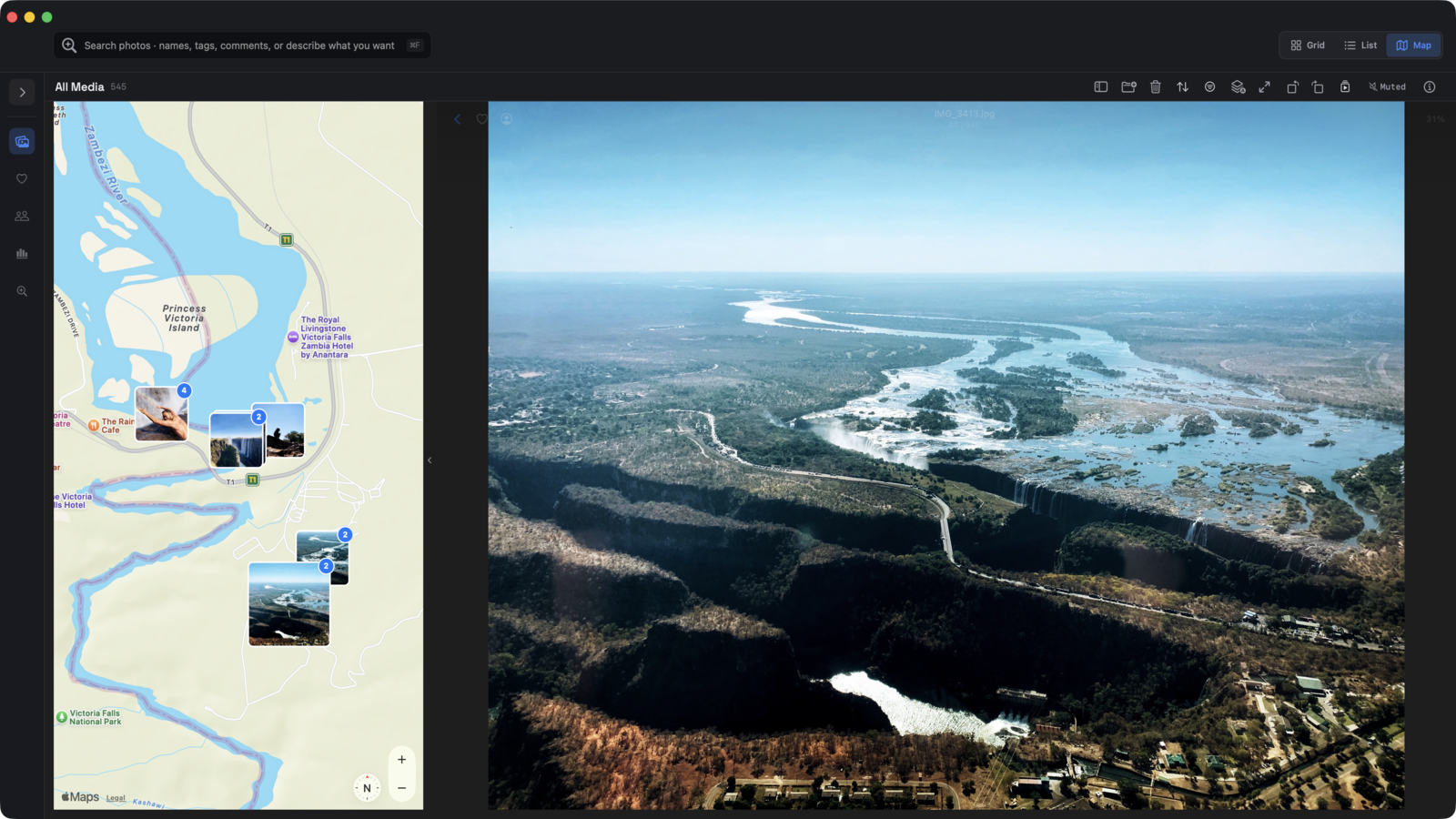
Maps & Photo Trails

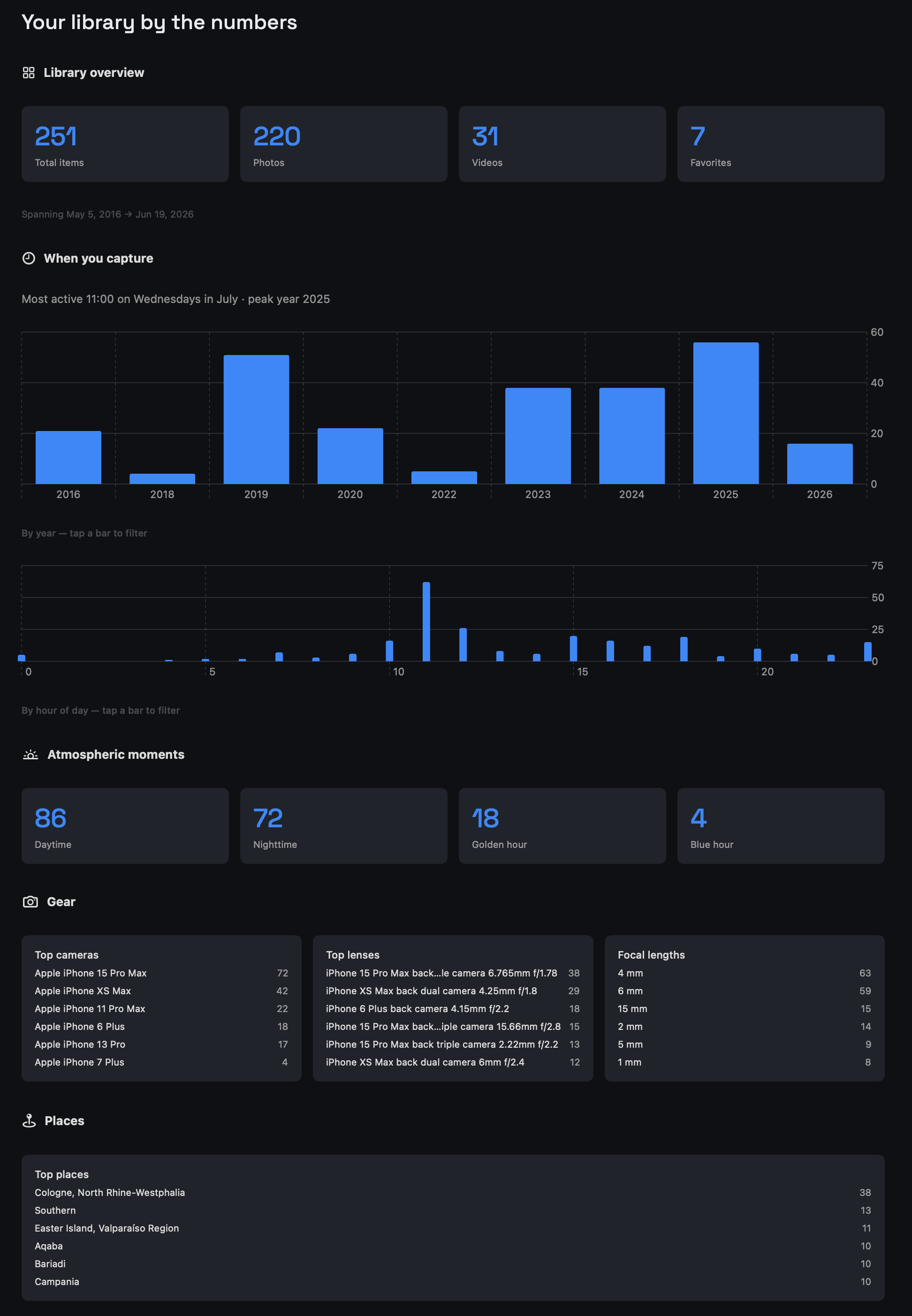
Insights

AI-POWERED SEARCH
Multiple libraries
Work and personal, client A and client B. Switch instantly. Each library is fully independent.
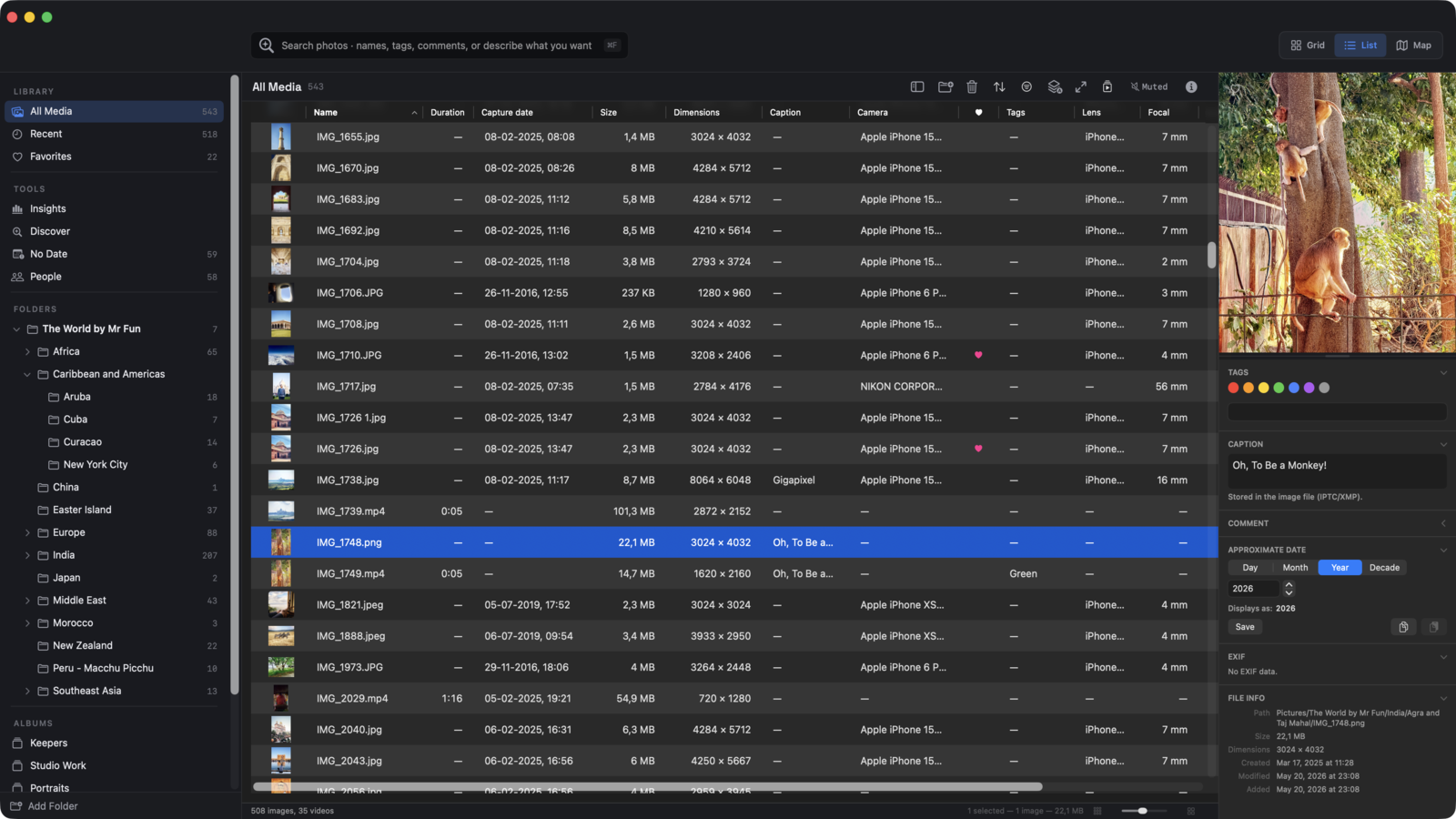
List view
Sortable EXIF columns — camera, lens, focal length, aperture, shutter, ISO. Configurable, persistent.
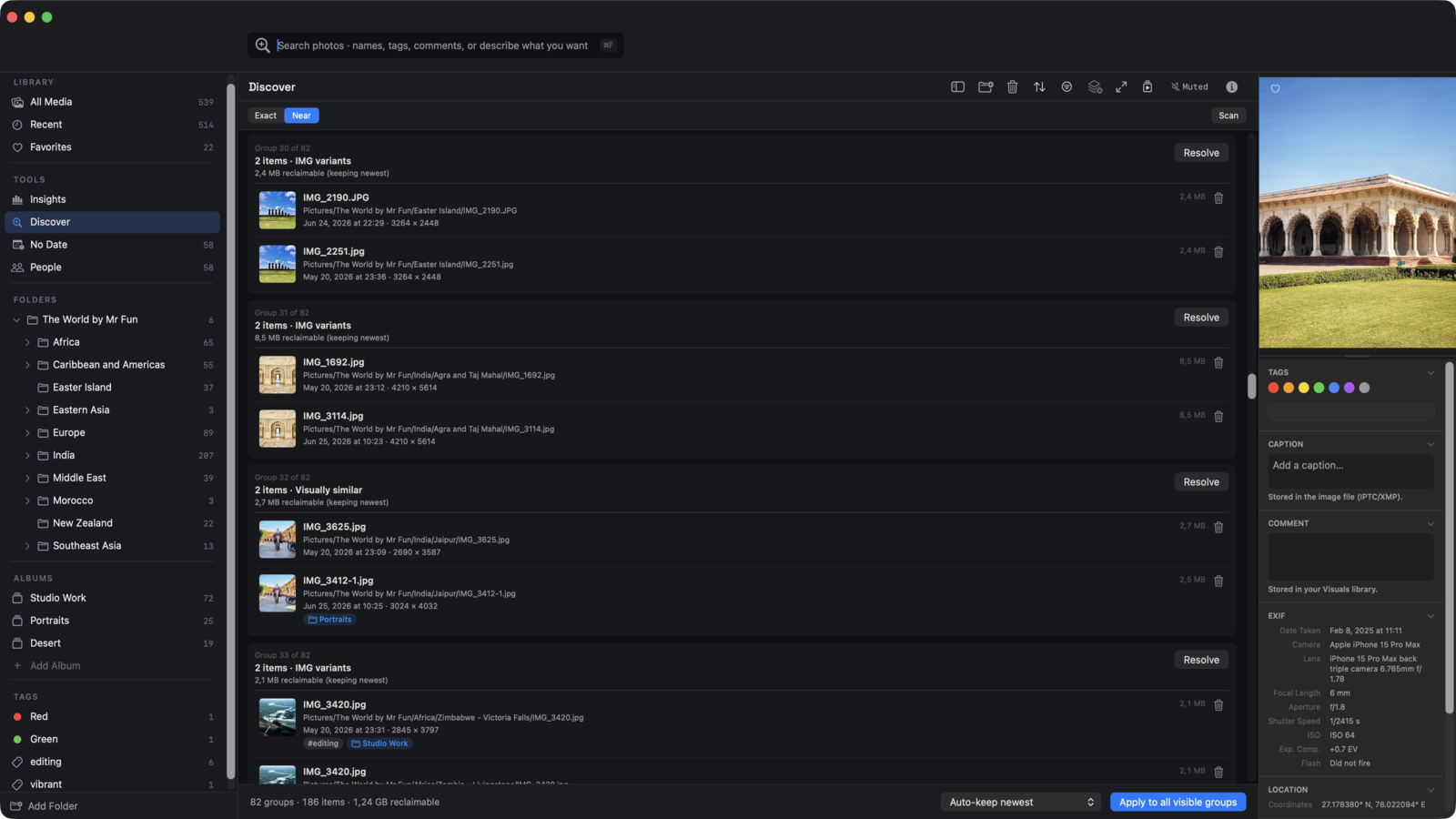
Duplicate finder
Find exact copies, near-duplicates, and semantically similar images. Resolve with rules or manually.
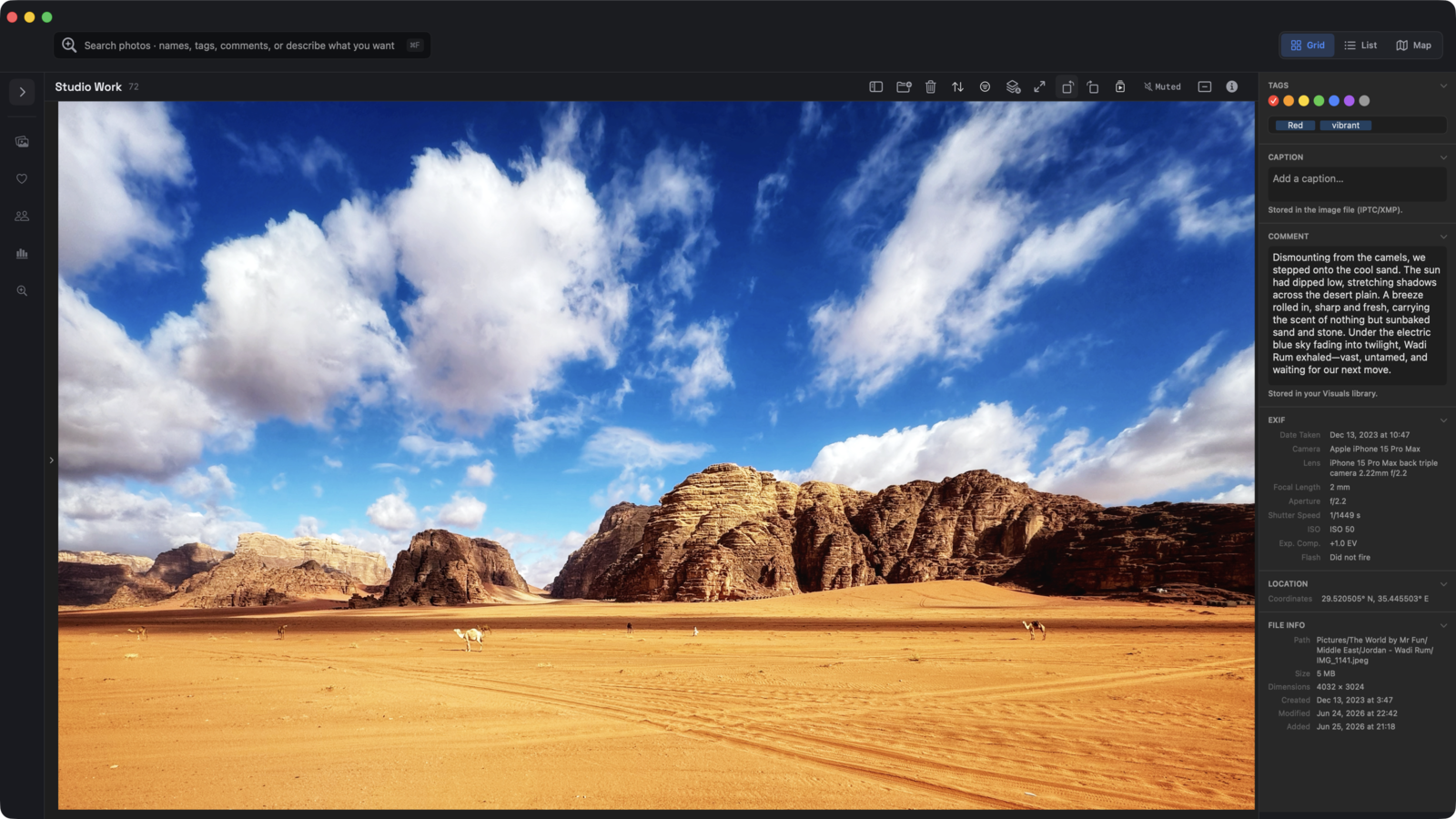
Captions
View and edit in the inspector. Writes back to the image file as standard IPTC/XMP metadata.
Approximate dates
Assign a year or decade to undated scans and downloads. They fall into the right place in your timeline.
Multi-select editing
Apply color labels, tags, captions, or comments across dozens of items at once.
Export & Import
Your metadata as CSV or JSON — readable, portable, always yours. Preview what changes before you commit.
MCP plugin
Connect Claude Desktop or any AI client to your library. Search, tag, and organize using natural language. (Experimental)
Photo Trails
Connect geotagged photos in time order. Retrace a walk or road trip, stop by stop.
Type to find
Start typing a filename in the grid. The selection jumps to the matching item, Finder-style.
Video
Browse, scrub, and organize video alongside photos. No separate app, no conversion, no compromise.
Color labels & tags
Seven Finder-compatible color labels plus freeform text tags. Apply to one item or hundreds at once.
Visuals is a native macOS app written from the ground up in Swift. Not Electron. Not a web app in a wrapper. Not a port of something built for another platform.
It uses system materials, follows macOS conventions, and feels like it belongs on your Mac — because it was designed to. Every AI feature takes advantage of Apple Silicon and the Neural Engine.
Requires macOS 26.2 Tahoe or later on an Apple Silicon Mac (M1 or newer).
No accounts. No telemetry. No servers.
Visuals collects nothing. There are no Visuals servers. We didn't want to build them, and you don't want us maintaining them. The AI runs locally. Your faces stay on your Mac. Your photos never leave your device.
The only network activity: a one-time download of on-device AI models when you first enable Faces or text-to-image search. After that, everything is offline.
BUY VISUALS PRO
$39
One-time purchase — no subscription, no renewal
✓ Everything. No feature gates.
✓ Multiple libraries
✓ AI similarity and text-to-image search
✓ Faces & People
✓ MCP plugin
✓ Future updates
✓ License key — works offline, no account needed
Also available on the Mac App Store (paid upfront) and coming to Setapp.
Visuals Free is genuinely useful — browse, organize, find exact duplicates. Good for a single library or getting started.
Pro is for people with more to manage: multiple libraries, large archives, and the AI similarity tools that make a real difference when you're working with thousands of files.
See full pricing →